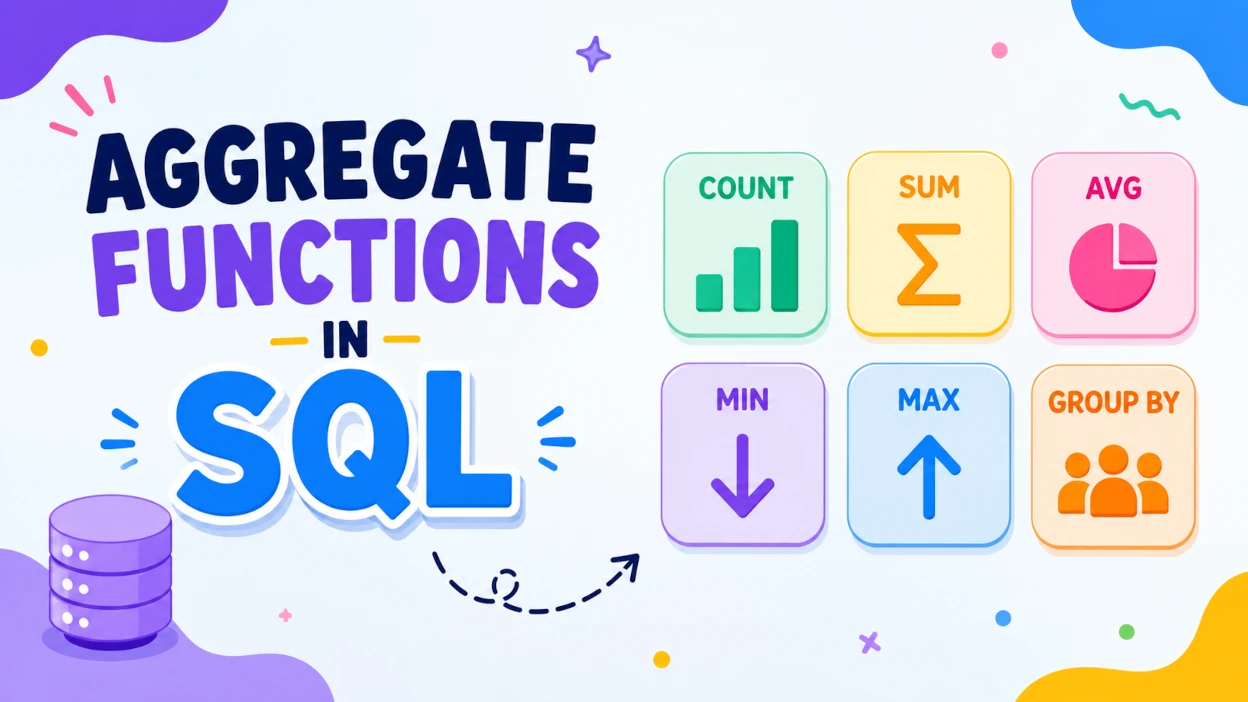
SQL Aggregate Functions are among the most frequently asked topics in IBPS SO IT Officer, SEBI Grade A IT, NIELIT, GATE, and various Computer Science interviews.
If you understand how these functions work and when to combine them with GROUP BY and HAVING, you can easily solve many SQL-based MCQs.
In this quick revision guide, we'll cover every important aggregate function along with examples, exam tips, and common mistakes.
Practice SQL Aggregate Functions
Test your understanding with a free topic-wise SQL mock test designed for IBPS SO IT Officer.
What are SQL Aggregate Functions?
Aggregate Functions perform calculations on multiple rows and return one single value.
Unlike scalar functions that operate on one row at a time, aggregate functions summarize an entire dataset.
For example:
- Total employees
- Average salary
- Highest marks
- Lowest age
- Total sales
These operations are performed using aggregate functions.
Types of SQL Aggregate Functions
The five aggregate functions that every competitive exam expects you to know are:
| Function | Purpose |
|---|---|
| COUNT() | Counts records |
| SUM() | Calculates total |
| AVG() | Calculates average |
| MIN() | Finds minimum value |
| MAX() | Finds maximum value |
These five functions alone account for the majority of SQL questions asked in banking and technical recruitment exams.
COUNT()
The COUNT() function returns the number of rows.
Syntax
SELECT COUNT(*) FROM Employee;
Example
| EmployeeID |
|---|
| 1 |
| 2 |
| 3 |
| 4 |
Output
4
COUNT(column)
SELECT COUNT(Salary)
FROM Employee;
This counts only rows where Salary is NOT NULL.
Exam Tip
COUNT(*)counts every row.COUNT(column)ignores NULL values.
This is one of the most commonly tested concepts.
SUM()
The SUM() function returns the total of a numeric column.
SELECT SUM(Salary)
FROM Employee;
If salaries are:
30000
25000
45000
Output
100000
SUM() works only on numeric columns.
AVG()
The AVG() function returns the average value.
SELECT AVG(Salary)
FROM Employee;
Output
33333.33
Important
AVG ignores NULL values.
If Salary values are
20000
NULL
40000
Average becomes
30000
not
20000
MIN()
MIN() returns the smallest value.
SELECT MIN(Salary)
FROM Employee;
Output
20000
MIN() can be applied to
- Numbers
- Dates
- Strings
MAX()
MAX() returns the highest value.
SELECT MAX(Salary)
FROM Employee;
Output
60000
Like MIN(), MAX() also works with numbers, dates, and text values.
Aggregate Functions with GROUP BY
Aggregate functions become much more useful when combined with GROUP BY.
Example:
SELECT Department,
COUNT(*)
FROM Employee
GROUP BY Department;
Output
| Department | Employees |
|---|---|
| HR | 8 |
| IT | 14 |
| Finance | 6 |
Instead of one result, SQL returns one aggregate value for every department.
This combination is asked repeatedly in IBPS SO and SEBI exams.
Aggregate Functions with HAVING
The HAVING clause filters grouped data.
Example:
SELECT Department,
AVG(Salary)
FROM Employee
GROUP BY Department
HAVING AVG(Salary) > 50000;
Unlike WHERE, HAVING works on aggregated values.
Remember this difference for MCQs.
NULL Values and Aggregate Functions
One of the favorite topics in competitive exams is NULL handling.
Except for COUNT(*), all aggregate functions ignore NULL values.
| Function | Ignores NULL? |
|---|---|
| COUNT(*) | No |
| COUNT(column) | Yes |
| SUM() | Yes |
| AVG() | Yes |
| MIN() | Yes |
| MAX() | Yes |
If a question contains NULL values, don't calculate them manually. SQL Aggregate Functions automatically ignore them (except COUNT(*)).
Common Exam Mistakes
Students frequently make these mistakes:
- Confusing COUNT(*) with COUNT(column)
- Forgetting that AVG ignores NULL values
- Using WHERE instead of HAVING
- Forgetting GROUP BY while selecting non-aggregated columns
- Assuming MIN() and MAX() only work on numbers
Avoiding these mistakes can easily save 2–3 marks in competitive exams.
Quick Revision
- Aggregate functions return a single value.
- COUNT(*) counts all rows.
- COUNT(column) ignores NULL values.
- SUM() calculates total.
- AVG() calculates average.
- MIN() returns smallest value.
- MAX() returns largest value.
- GROUP BY creates groups.
- HAVING filters grouped records.
- Aggregate functions ignore NULL values except COUNT(*).
Practice Questions
Before moving to advanced SQL topics, test your understanding with topic-wise practice questions.
Final Thoughts
SQL Aggregate Functions form the foundation of SQL data analysis and appear regularly in technical recruitment exams. Once you're comfortable with these functions, move on to GROUP BY, HAVING, JOINS, and Subqueries, as many exam questions combine these concepts together.
The best way to retain these concepts is consistent practice. Solve topic-wise mock tests, review your mistakes, and revisit this quick revision guide whenever you need a refresher.
What to Study Next
Continue your DBMS preparation with these related topics.
| Topic | Status |
|---|---|
| SQL Commands | ✅ Available |
| SQL Keys | ✅ Available |
| SQL Joins | ✅ Available |
| Normalization | ✅ Available |
| ACID Properties | ✅ Available |
| Transactions | ✅ Available |